
Appearance
Purchase Order
If the buyer company has made a Purchase Order document, then the user will see the Purchase Order Number that has been created by the buyer, Purchase Order has 3 statuses, namely:
- New, after the buyer company has made a Purchase Order document, the purchase order document will be sent to the supplier by vendor username
- Partially Fulfilled, after the supplier completes several orders, the purchase order document will be partially fulfilled
- Completely Fulfilled, after the supplier completes all the orders, the purchase order document will be completely fulfilled
A supplier can make a shipment document from a purchase order document that has been made by the buyer company: 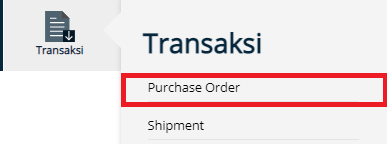
- Click Transaction Menu
- Choose Purchase Order
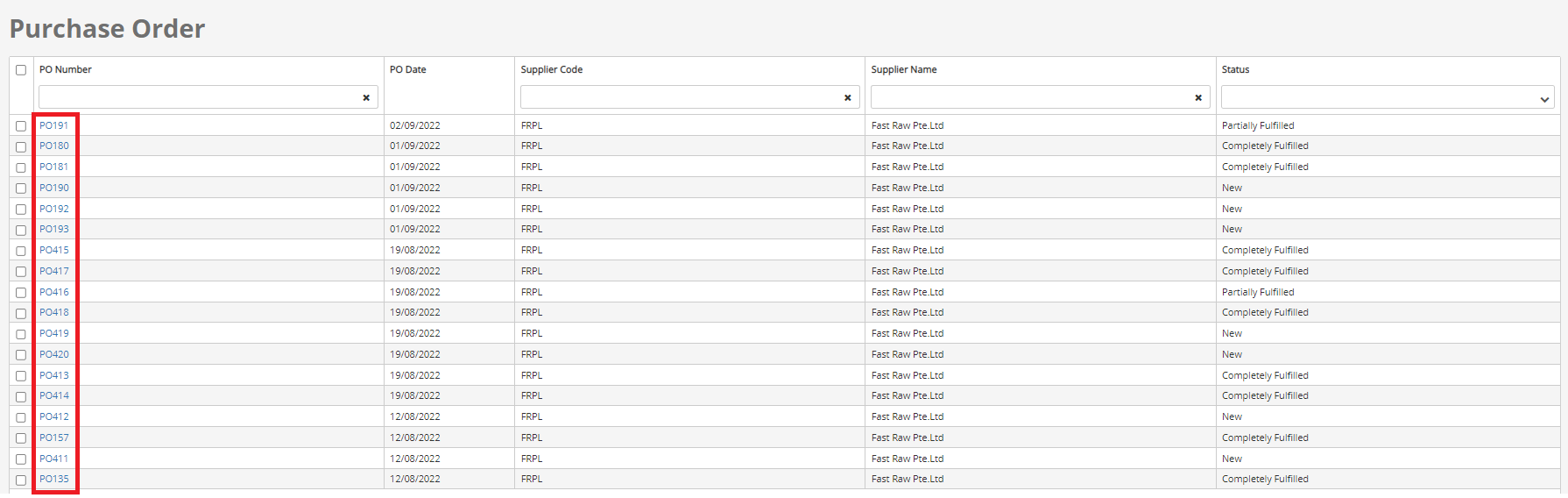
- User can click the Purchase Order number to view the Purchase Order document data
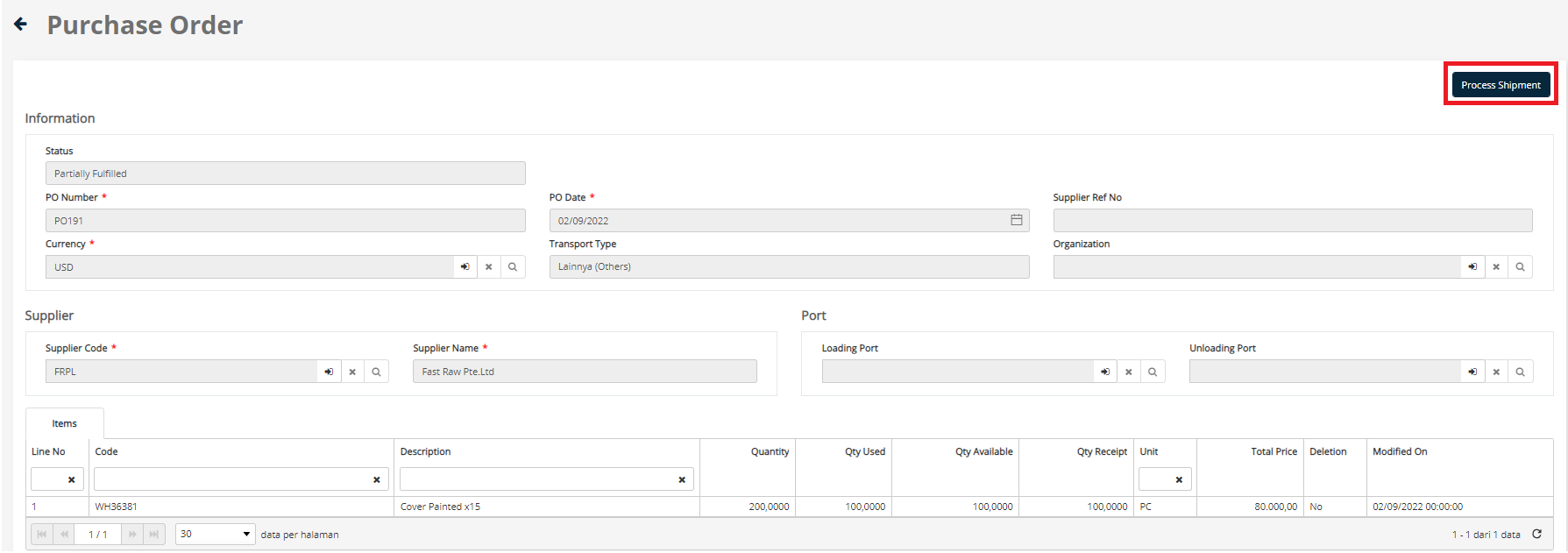
- If the user wants to fulfill the Purchase Order, then the user can use the Process Shipment button
- Choose Shipment Type
- Press the Confirm button
- Automatically will create a Shipment document, and then the user can complete the data, the data that must be filled has the symbol *
- After the user completes the Shipment document, and already fulfilled all the orders, then the status of Purchase Order Number will be Completely Fulfilled